
This tutorial will guide you through the process of using Vibe coding and Vibe scripting within Flowrabbit AI.
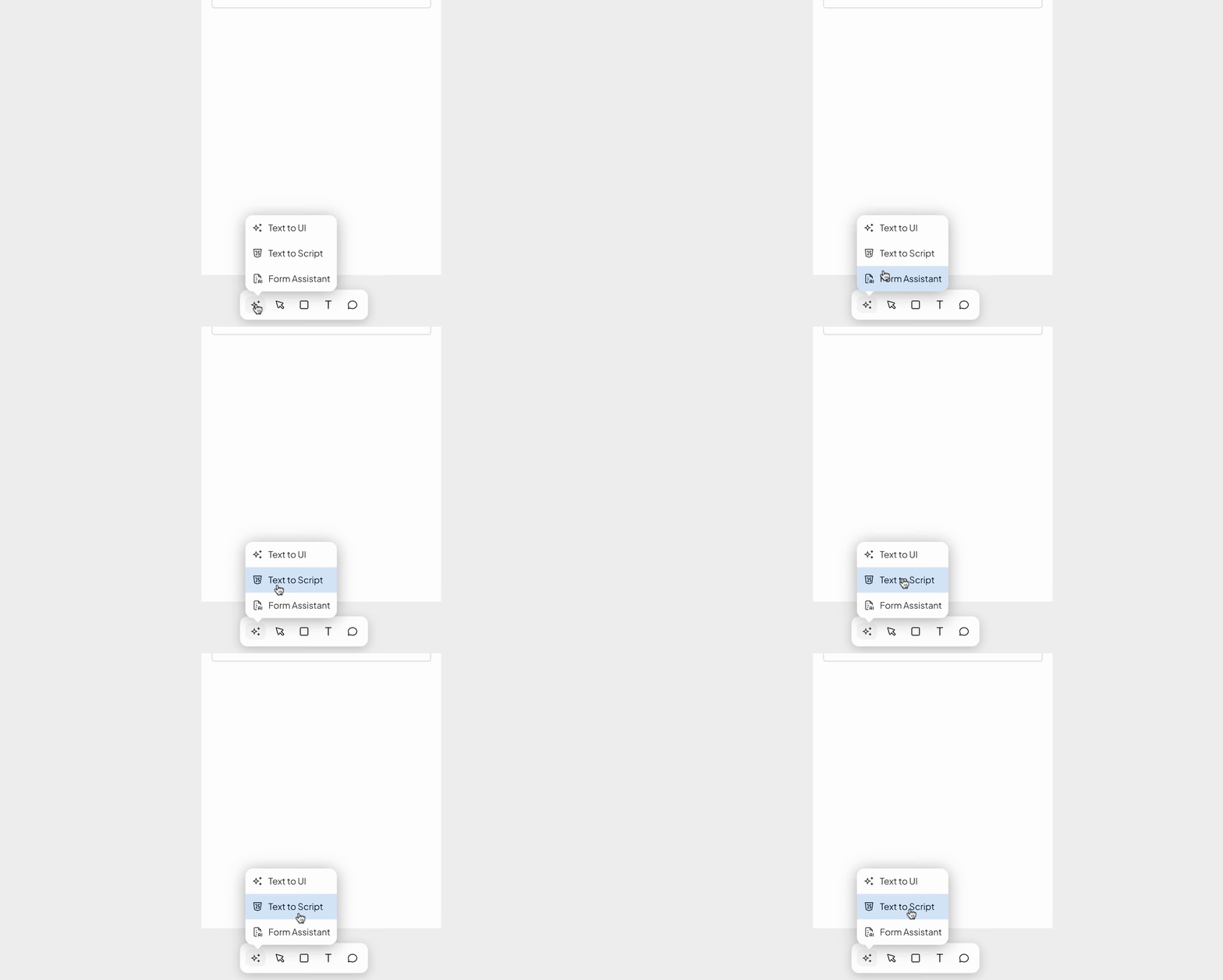
To begin, navigate to the bottom of the infinity canvas where you will see the little stars. Click on it to access a pop-up menu.
Select the text to script AI option from the menu.
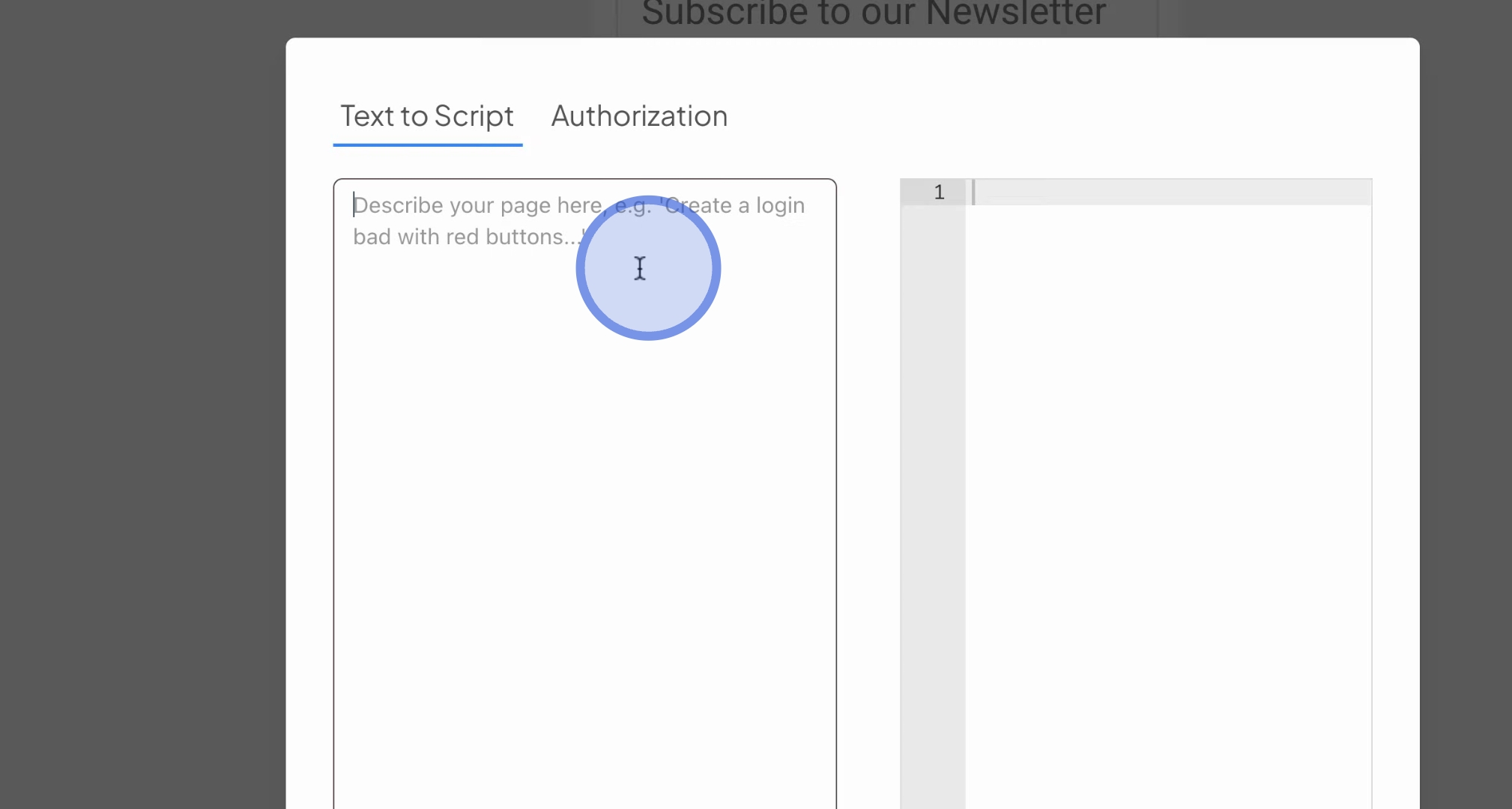
In the provided text box, describe what you want to achieve. For example, you can use a newsletter sign-up form.
If you wish to ensure that all input fields are not null, press Run AI. The code will be generated for you shortly.
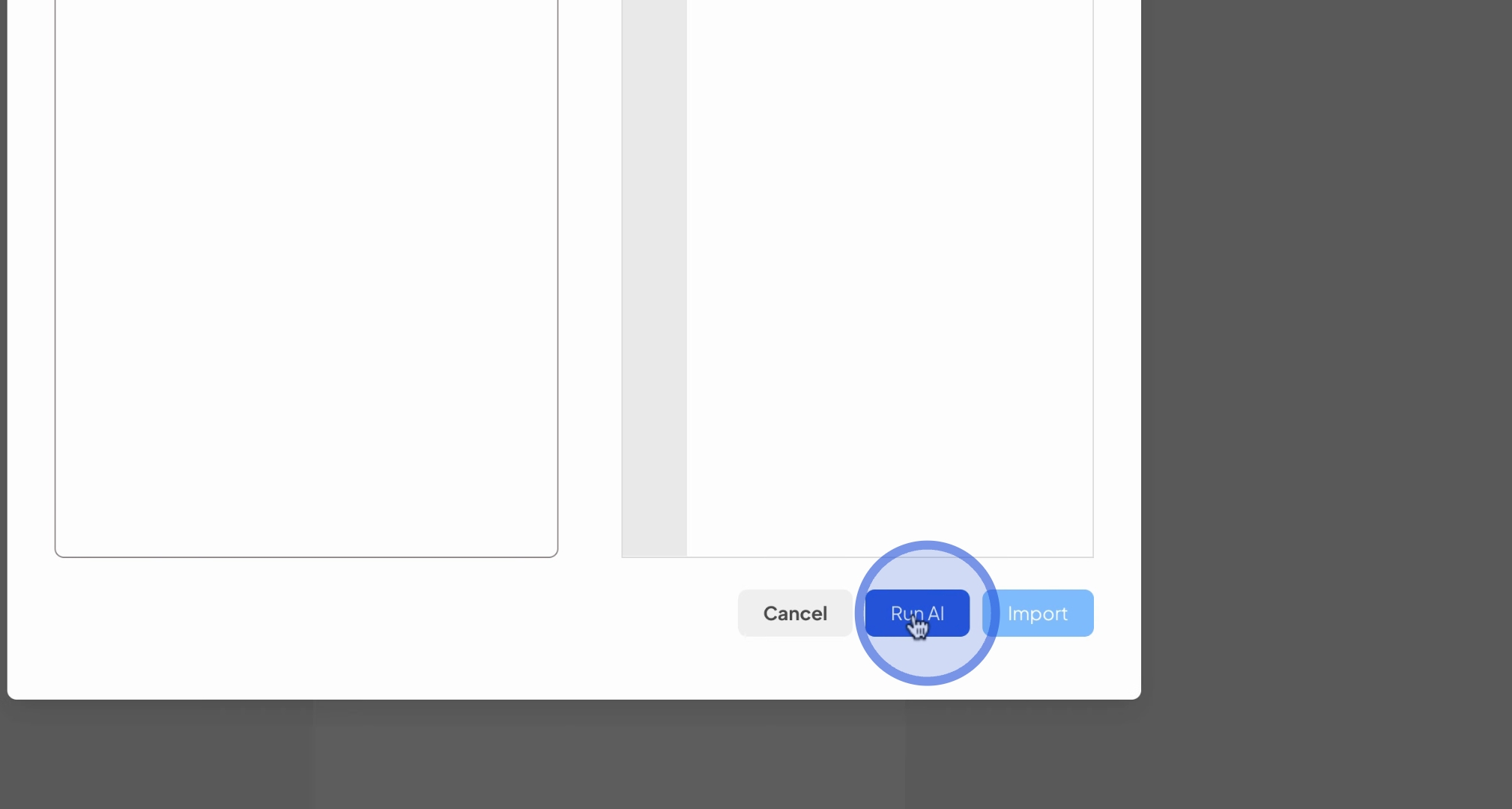
Once the code is generated, you can click on import to bring up the script widget.
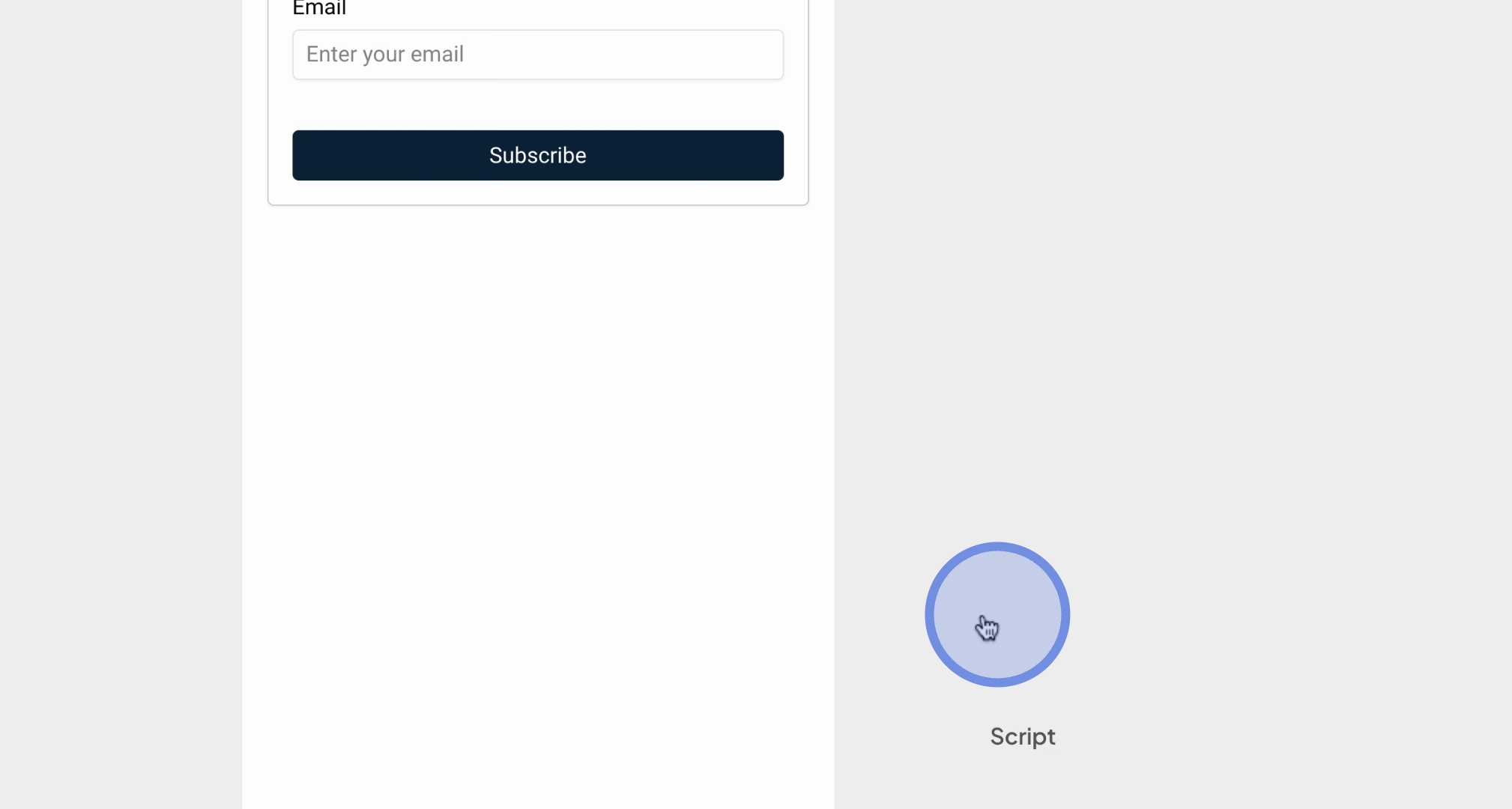
Next, connect this script widget to a button. Click on the button, switch to flow mode, and link it to the script widget.
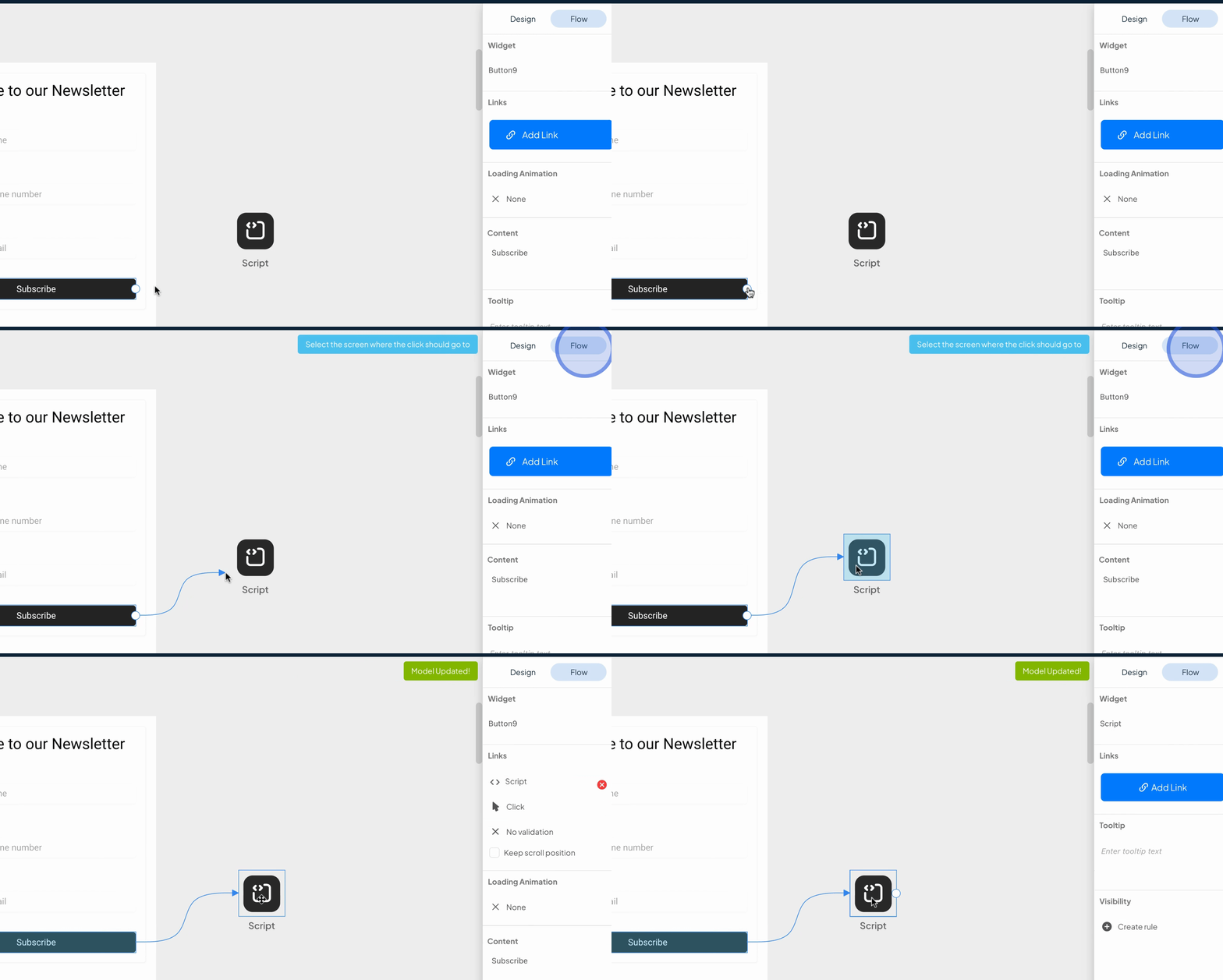
This script widget will execute when the user presses the subscribe button, checking if all input fields are not null.
This example demonstrates one of many potential use cases; you can expand the capabilities of Flowrabbit with various scripts.
Rest assured that our AI will manage the variables used within your application.
We encourage you to experiment with this feature and provide feedback as we continuously improve Vibe coding and ViBe scripting within Flowrabbit.
Following these steps will enable you to effectively utilize Vibe coding and Vibe scripting within Flowrabbit AI. Make sure to explore its diverse functionalities.
