

This tutorial will guide you Darin through the onboarding process for Flowrabbit, providing an overview of the workspace and the various applications available.
In your workspace, you will see a dashboard under the Make Celonis workspace.
Here you have access to several apps for you to explore.
You will find a navigation menu located on the left sidebar.
Start by exploring the Make apps that incorporate Make integration or Make Bridge integration.
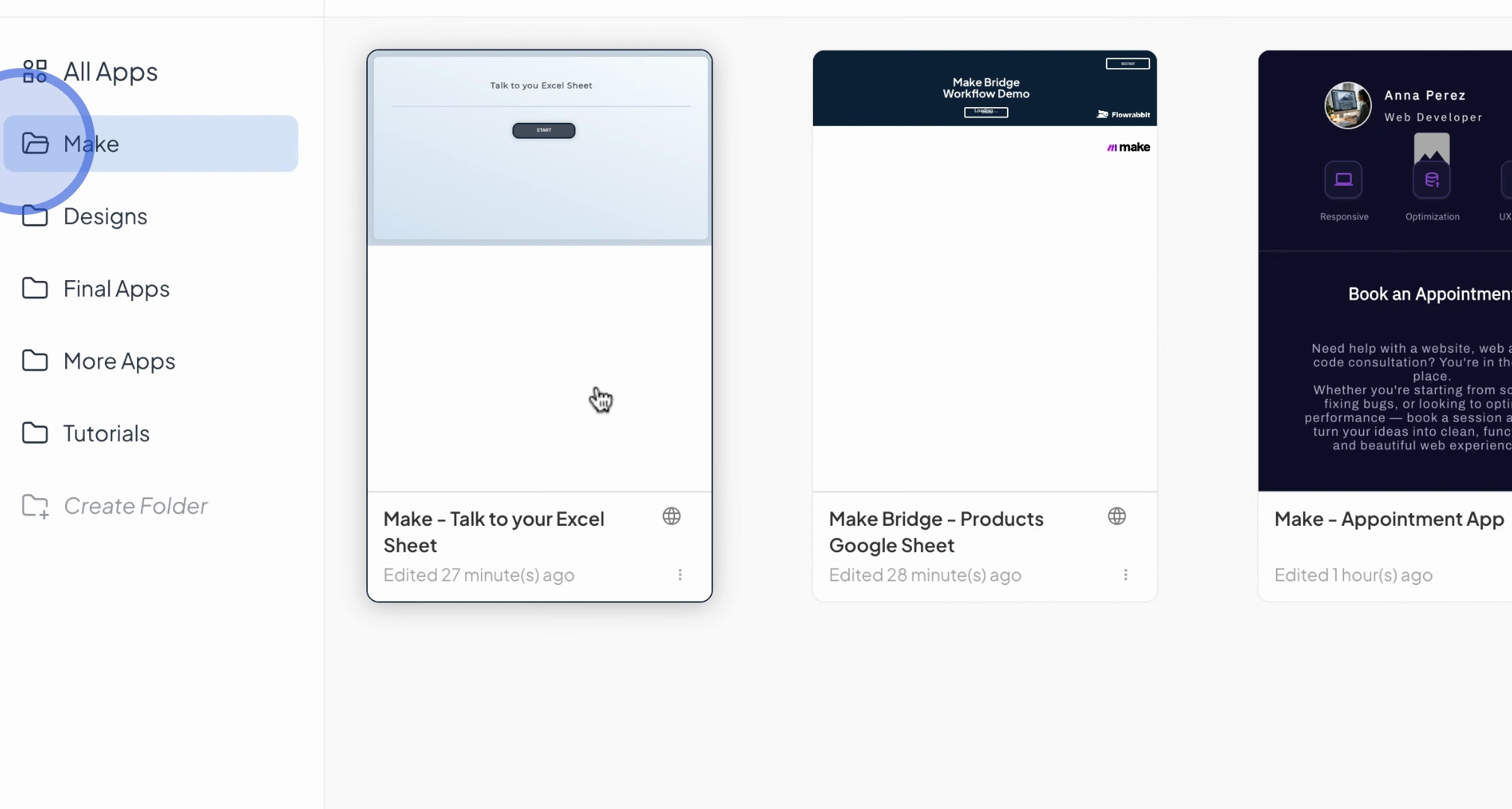
One application available is the appointment app, which allows you to set up appointments.
The make.com platform is utilized in the background for this functionality.
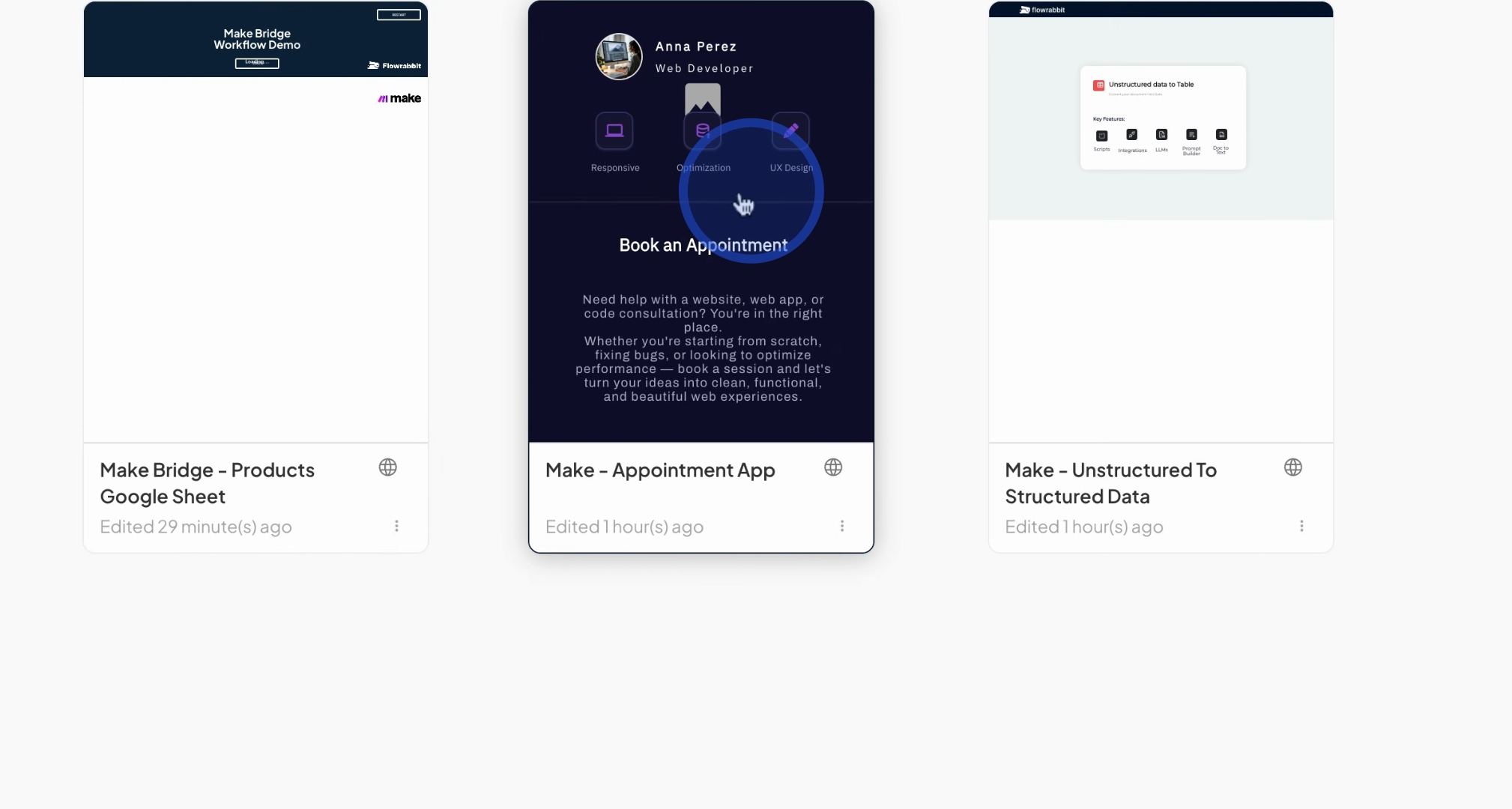
You will have access to a calendar where you can select from available openings to book your appointment.
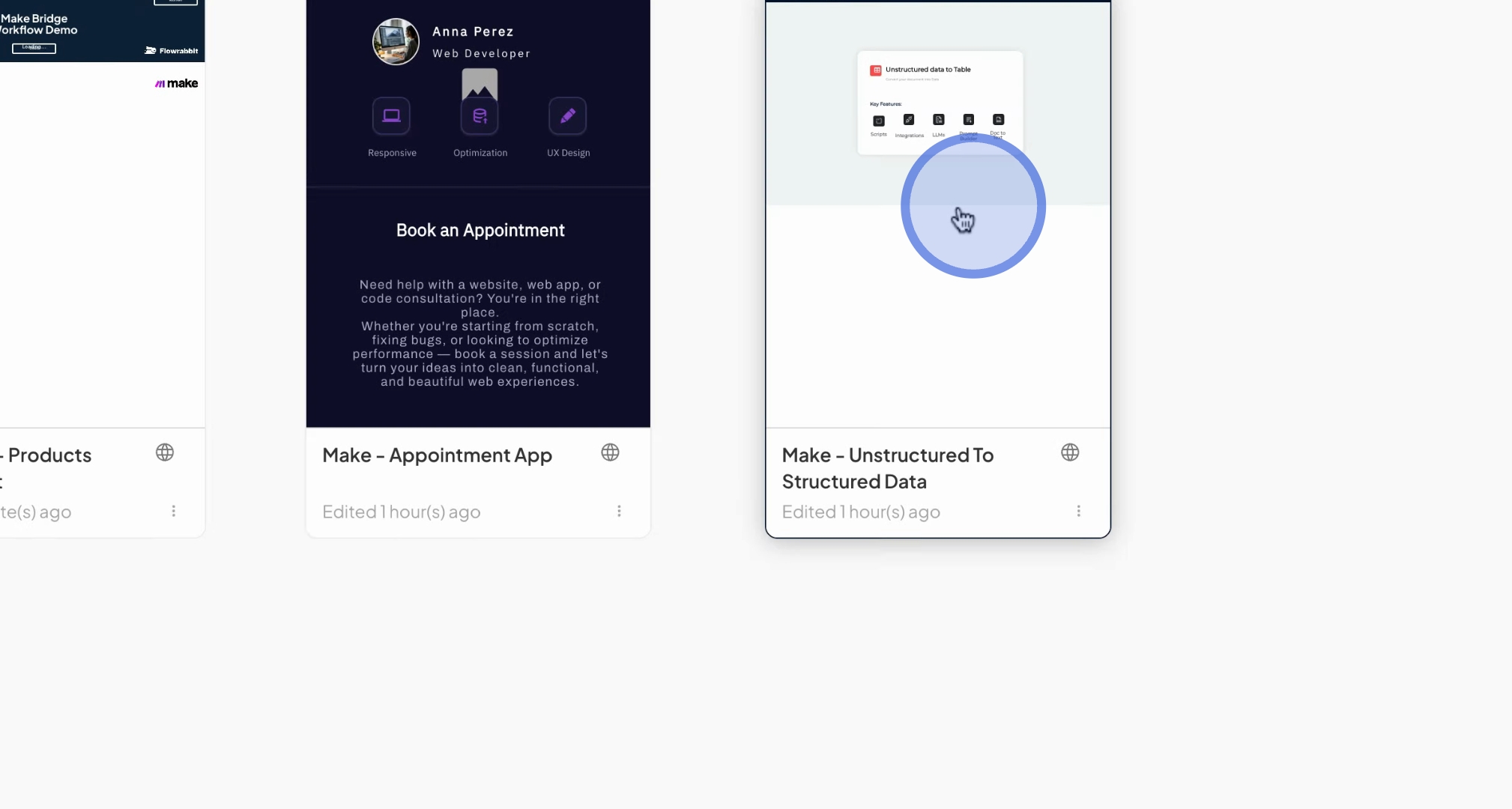
Another app enables you to transform unstructured data into a table.
Simply upload a PDF file, and request the AI to extract data from it.
The extracted information will be presented in a table format, and this app also executes a make.com workflow.
You will find a folder containing just designs, such as landing page designs and other inspirational materials.
These are just designs and are not fully functional apps.
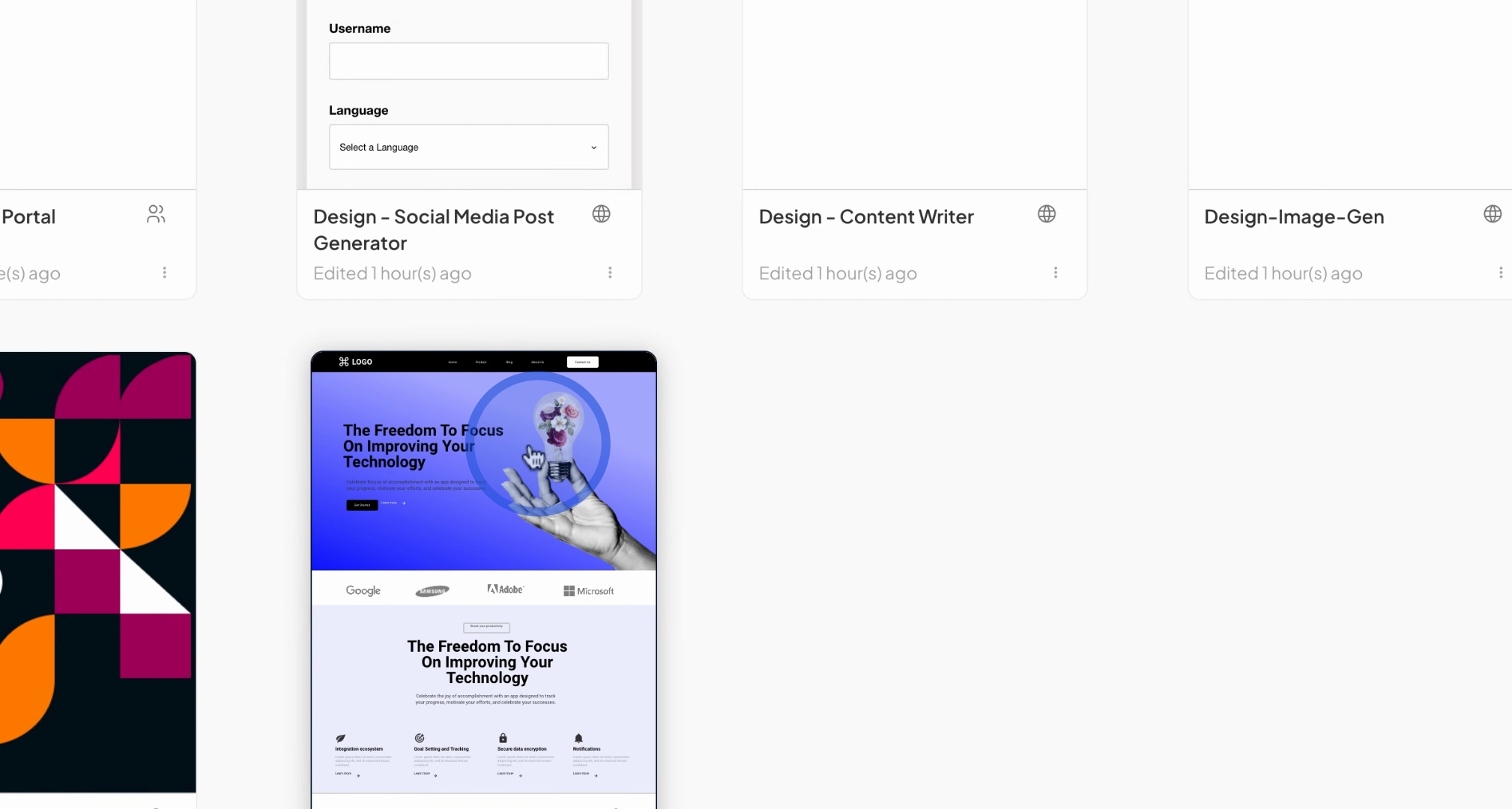
Additionally, there are several more example apps to explore
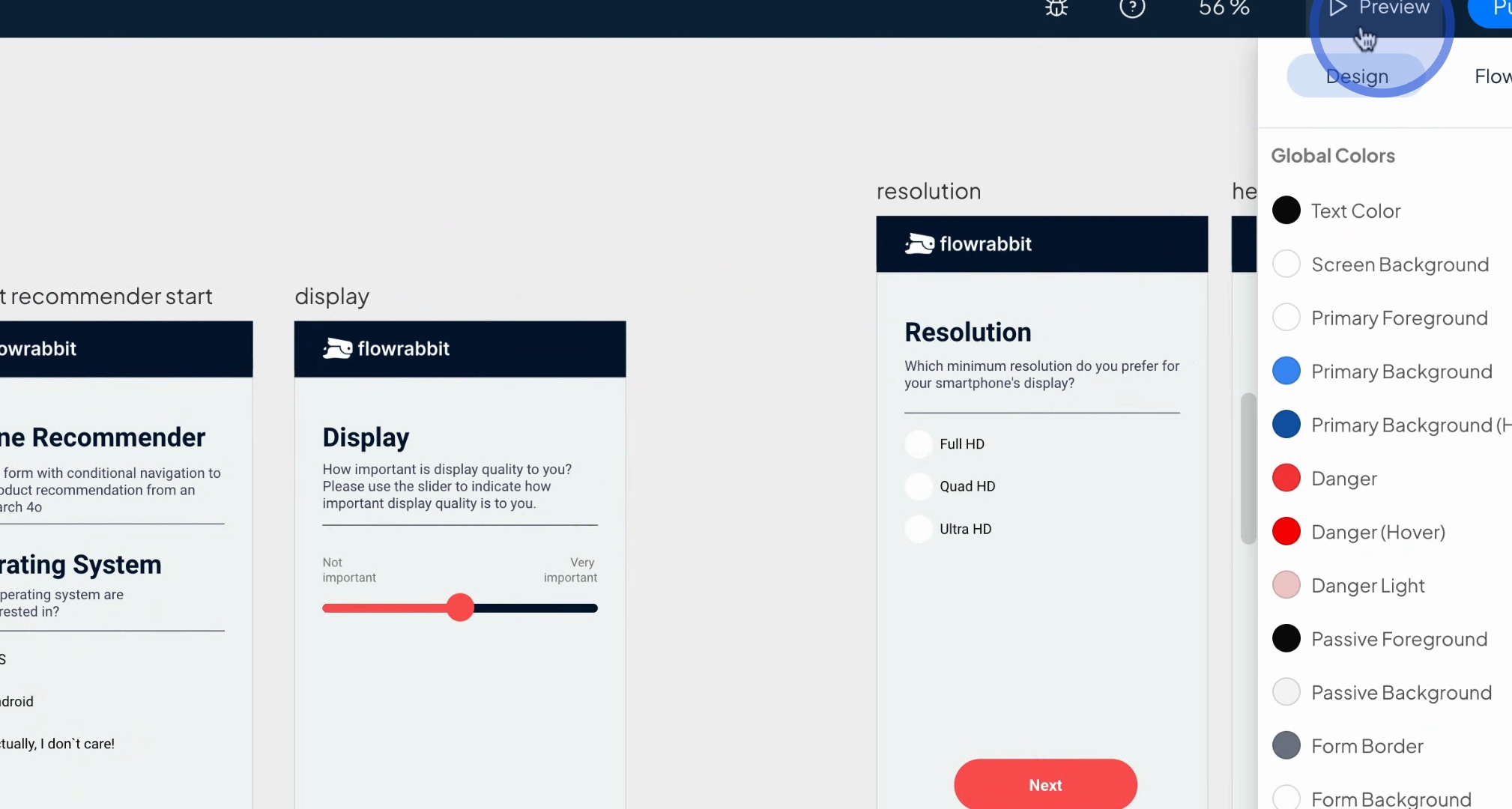
For instance, the phone recommender app serves as a survey and lead qualification tool.
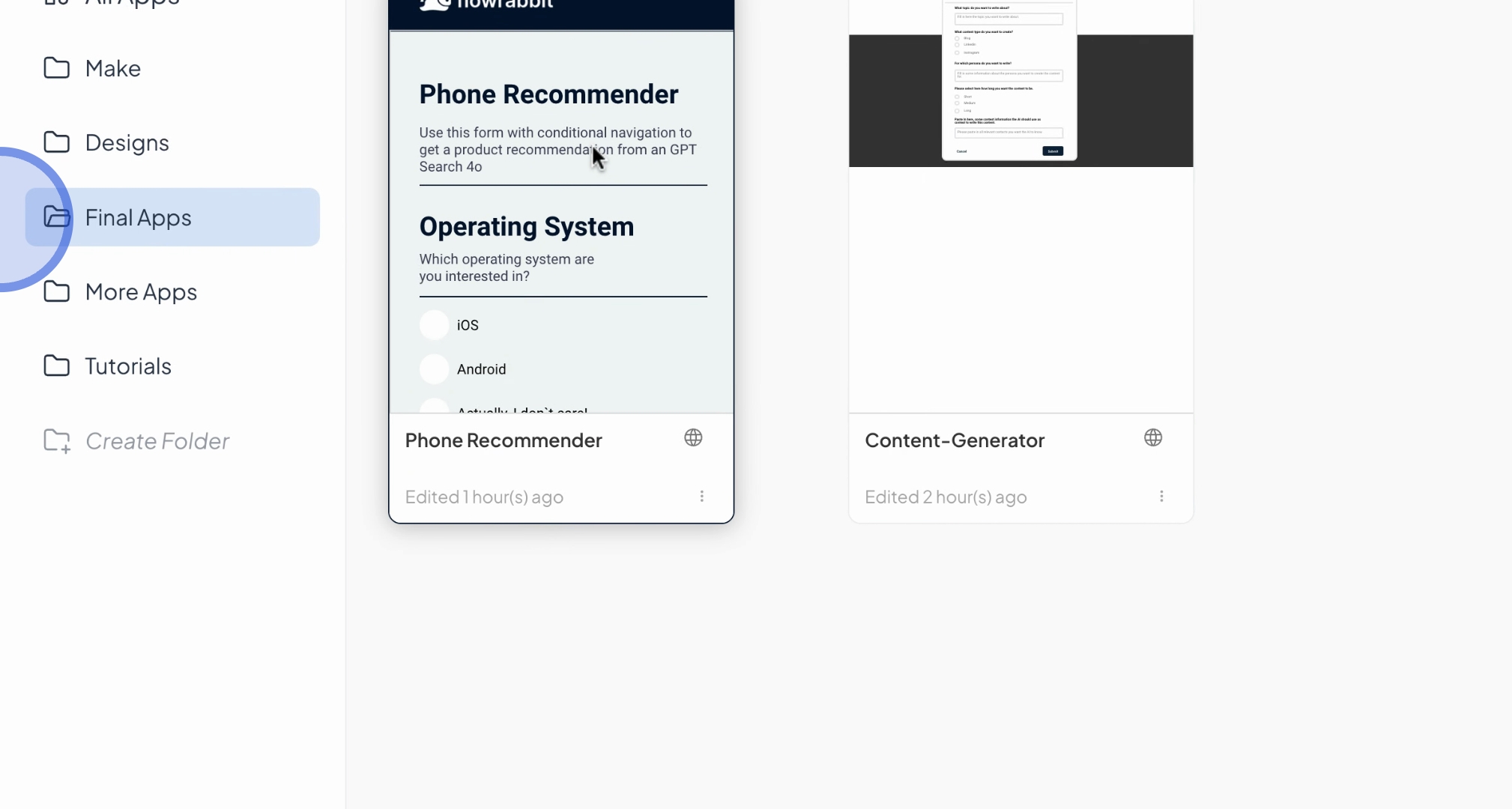
Users can provide information regarding their preferences for a new smartphone.
The app utilizes the latest GPT-4o search module to recommend suitable options by searching the Internet.
We also offer a content generator app.
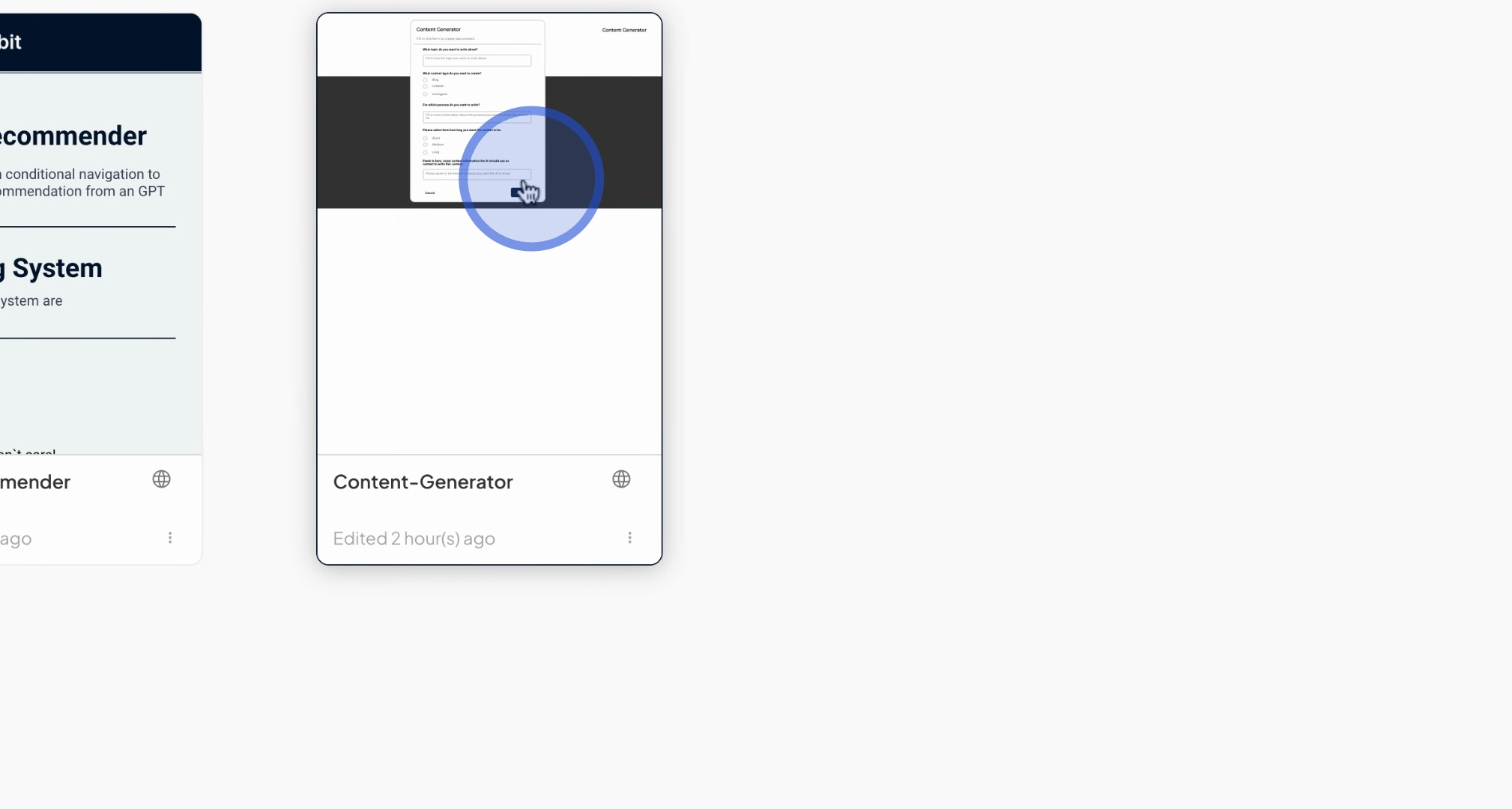
You can input the topic you wish to write about, such as Automation and AI for LinkedIn.
The app will generate an article based on the provided context.
We have additional apps, including a math teacher app, a quiz game for learning the German language, a translating app, and an app that allows users to input kitchen ingredients.
The latter will give you AI-generated advice on recipes you can create with those ingredients.
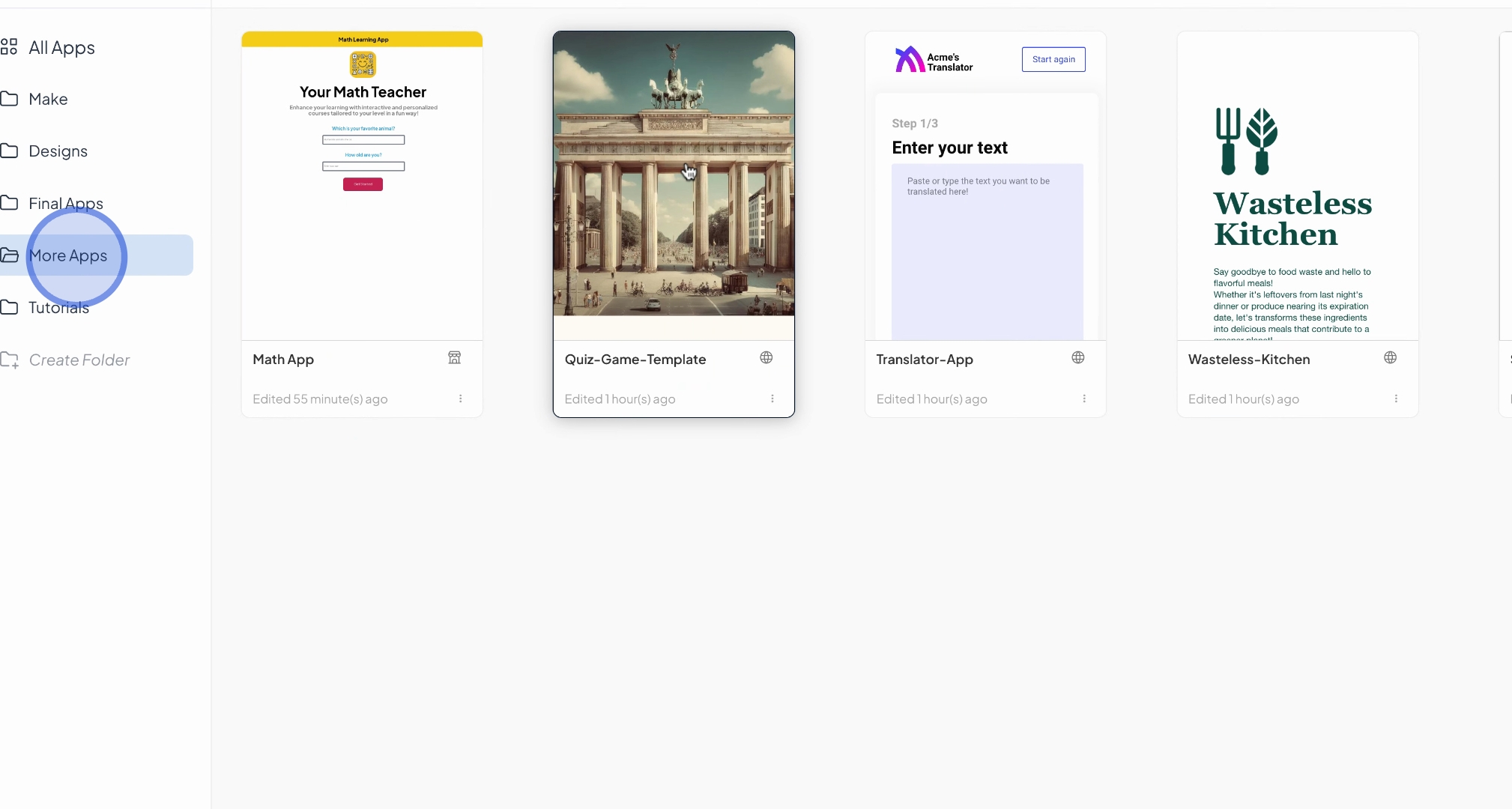
There is also a startup ideation tool, where you can input your ideas and receive recommendations for potential startups.
You can even generate slogans based on your inputs.
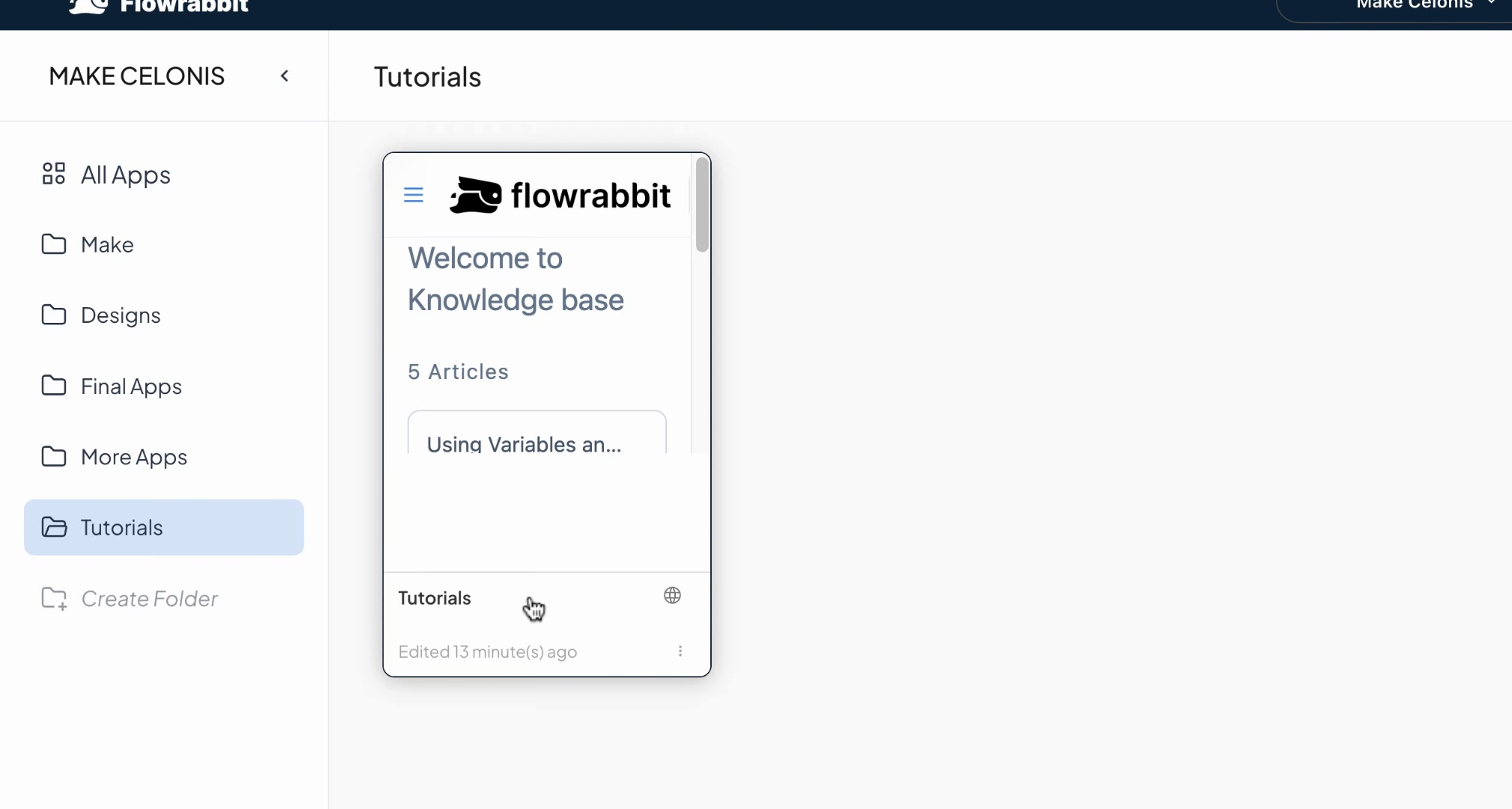
Lastly, we have integrated a tutorial app for your onboarding journey.
This will be supplemented with additional videos and articles in the future.
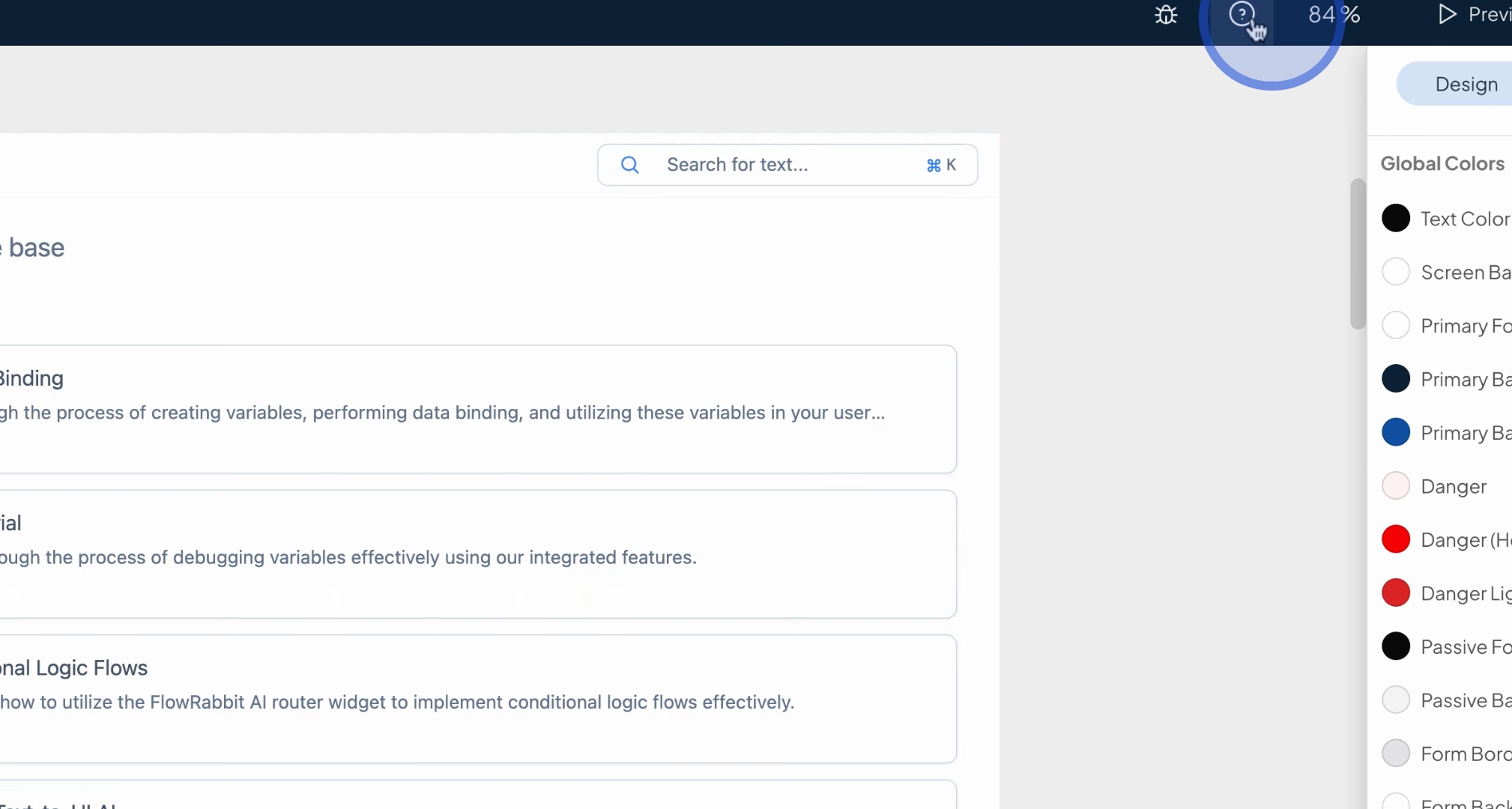
Please note that significant updates have been made recently, and the currently available public help desk documentation may be outdated.
In summary, we recommend starting with the Make templates to gain inspiration and explore design templates.
You can also access the fully functional apps, including the content generator and phone recommender.
If you require assistance, please visit the tutorials folder where you will find the new knowledge base.
We hope you enjoy your exploration of Flowrabbit