

This tutorial will guide you through the process of debugging variables effectively using our integrated features.
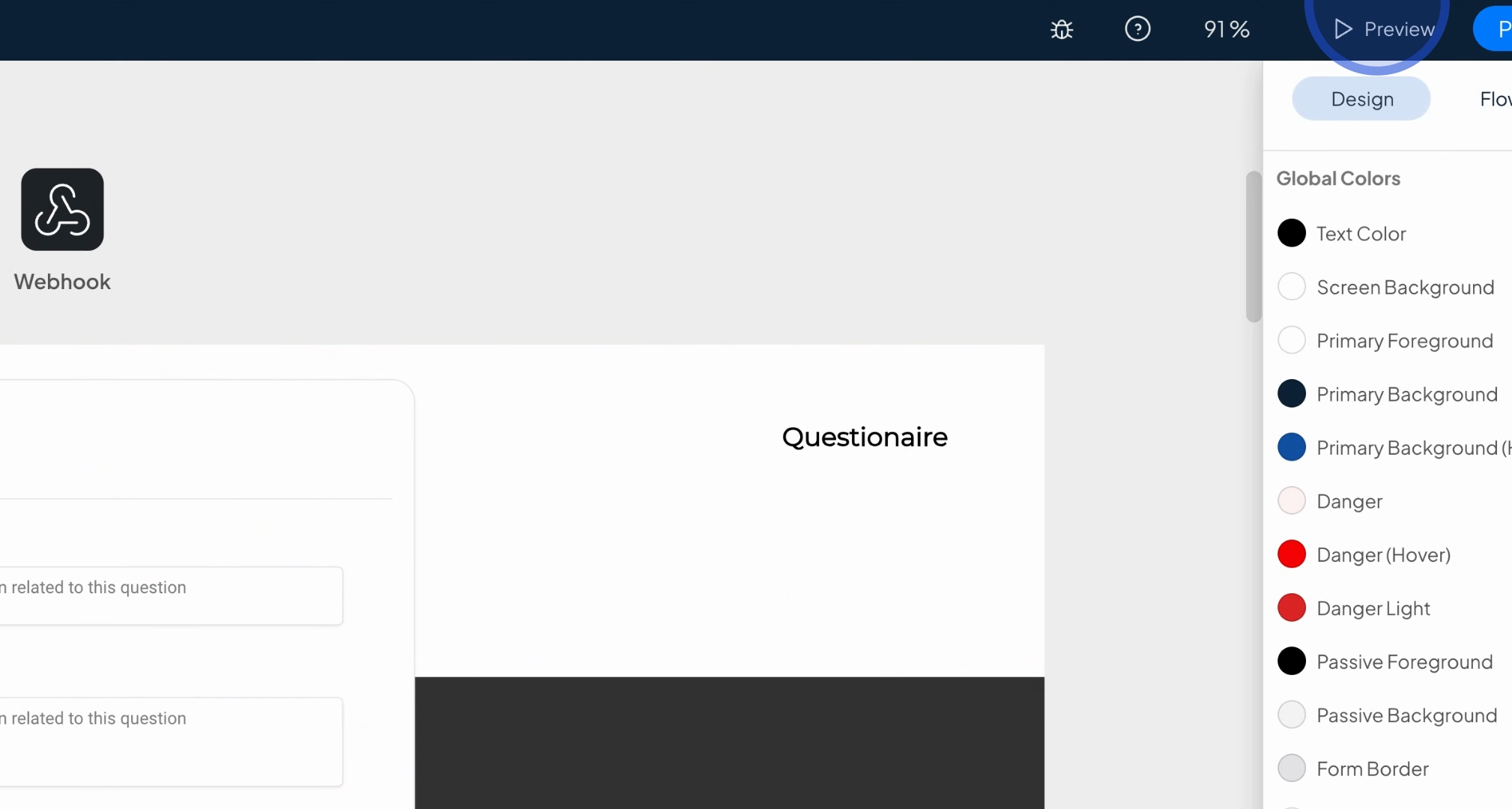
To debug variables, access the feature by pressing the Preview button to see a preview of your application.
Once the preview is loaded, locate the database icon in the bottom left corner and press on it.
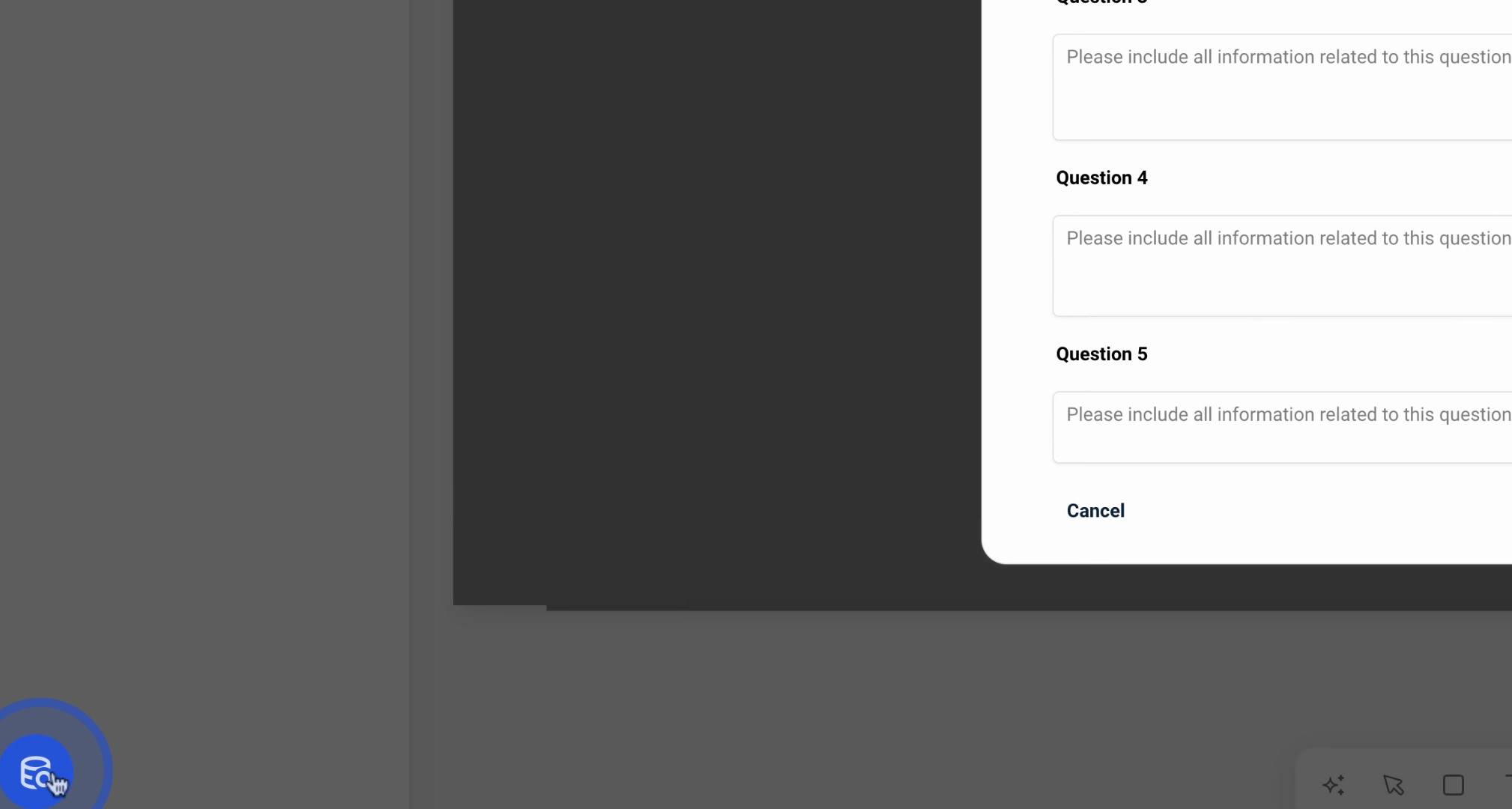
This will display all the variables created in your app. Variables that have an associated data value will show up on the left side.
For example, if you fill in something in Question One such as hello, it will reflect on the left side of the screen.
Similarly, the same outcome occurs when you interact with the debugging feature, making it straightforward to monitor what is happening in your app.
By following these steps, you can effectively debug variables in your application, ensuring that everything functions as expected.
